
How to check an APK before you install it
Four checks that take under a minute and rule out most of what can go wrong with a sideloaded file.
Installing outside the Play Store means you are the one deciding whether a file is safe. These checks are quick and they catch the common problems.
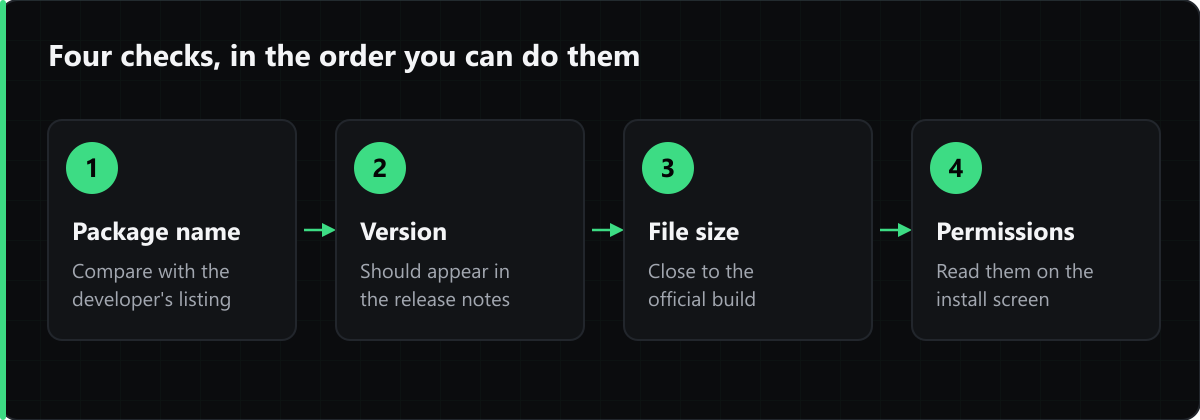
1. Compare the package name
The package name — something like com.example.app — is the identifier Android uses internally, and it is bound to the developer's signing key. Compare it against the developer's own listing. A repackaged app cannot reuse both the package name and the original signature.
2. Check the version against the changelog
A version number that does not appear anywhere in the developer's release notes is worth pausing over. Version code and version name are both shown on each listing here.
3. Look at the file size
A build that is drastically smaller or larger than the official release usually means either a truncated download or a modified package.
4. Read the permission list on the install screen
Android shows what an app is asking for before you confirm. A utility asking for SMS and contacts access is a reason to cancel, whatever the listing says.
Comments
Loading comments…