
- Messages, voice notes, photos, videos and documents up to 2 GB
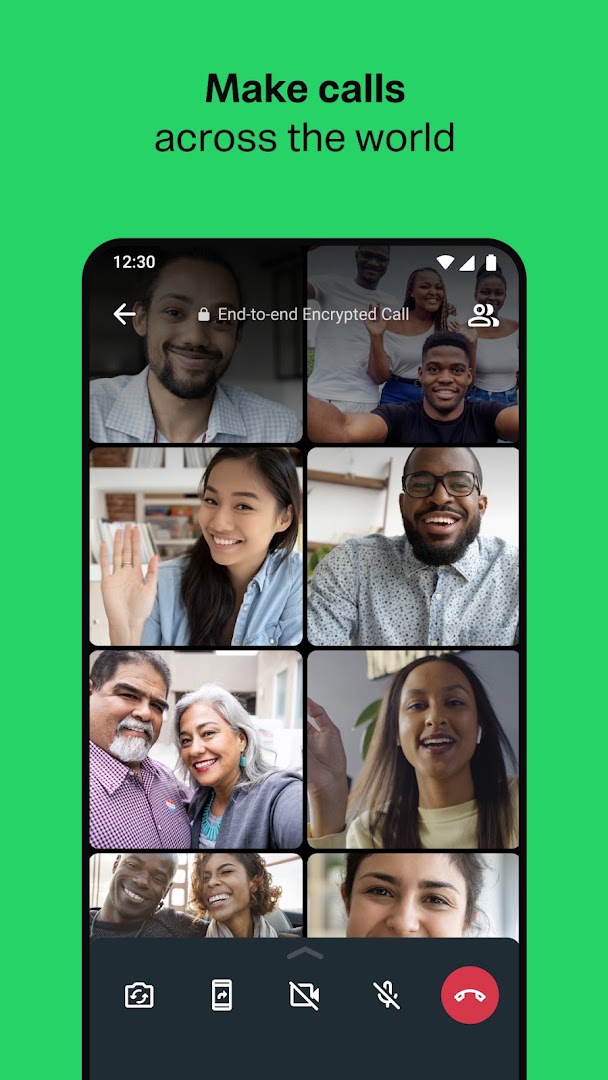
- Voice and video calls, including group calls with screen sharing
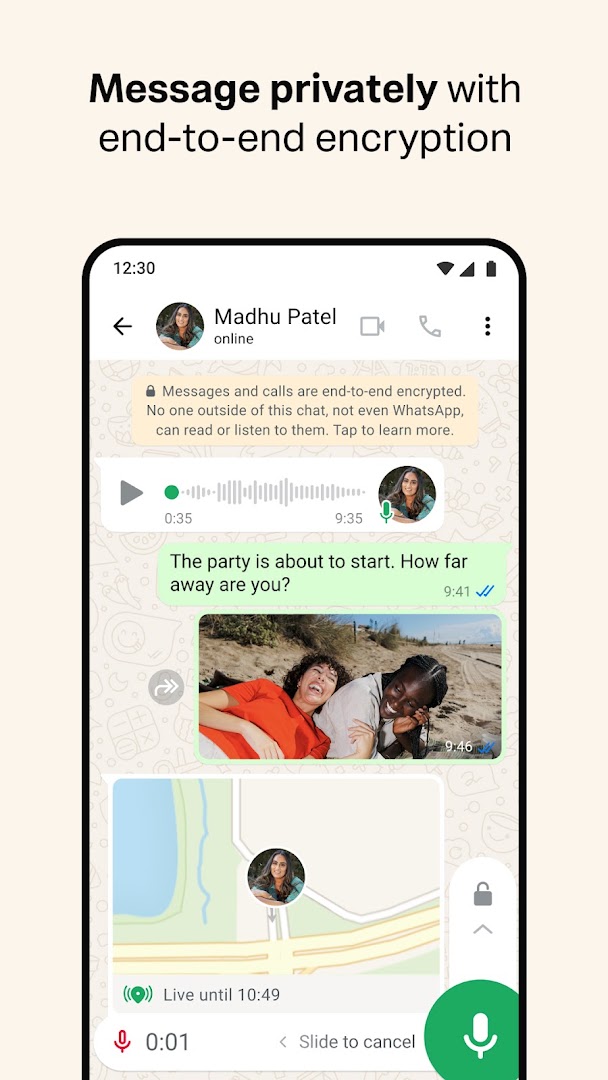
- End-to-end encryption on by default
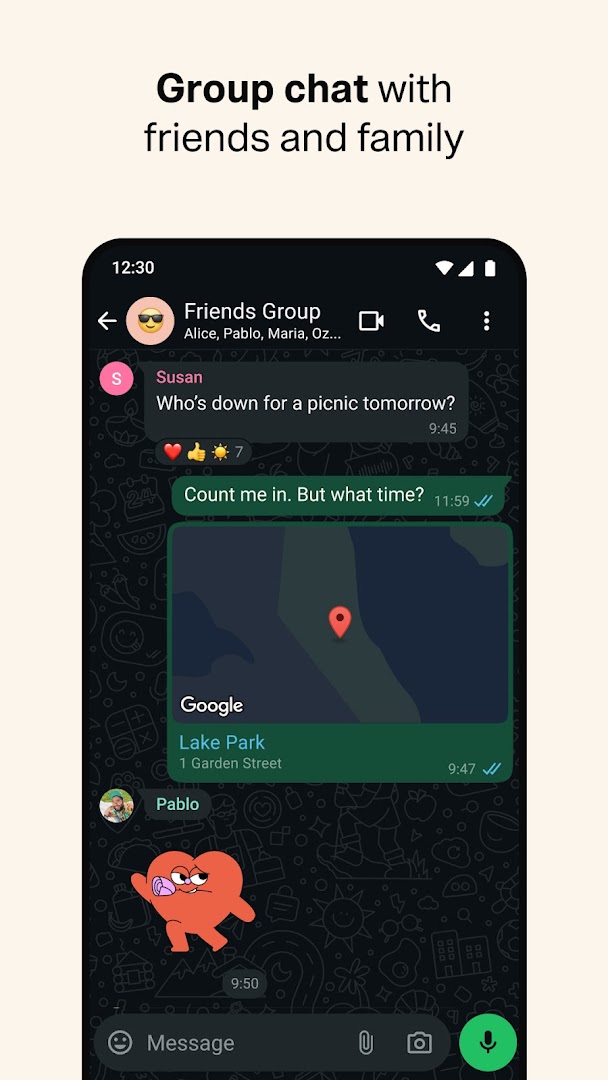
- Groups, Communities, broadcast lists, Channels and Status updates
- Linked Devices for WhatsApp Web and desktop without the phone online
- Disappearing messages, view-once media, chat lock and two-step verification
- Encrypted chat backup to Google Drive
- Free, with no adverts in chats

Key features
Screenshots
About WhatsApp Messenger
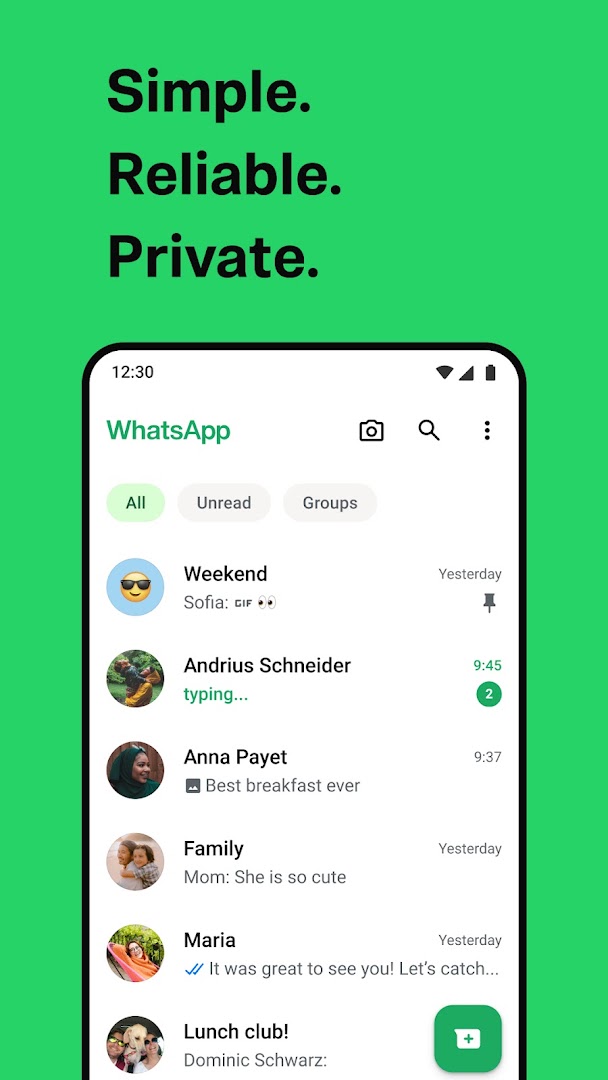
The WhatsApp APK is the messaging app most of the world already uses, and this page carries the official Android build from WhatsApp LLC. It replaces SMS with messages, voice notes, photos, videos and documents sent over Wi-Fi or mobile data, so there is no per-message cost beyond your data plan. Your contacts who have WhatsApp appear automatically once the app has verified your phone number, with nothing to add by hand.
Messaging and calls
Chats support text, voice notes, photos, videos, documents up to 2 GB, locations, contacts and polls. Messages can be edited for a short time after sending, reacted to with emoji, starred for later and forwarded. Voice and video calls work one-to-one and in groups of up to 32 people, with screen sharing on video calls, and calls are placed over the internet so an international call costs the same as a local one.
Groups hold up to 1,024 members with admin controls, and Communities gather related groups under one announcement channel for a school, a club or a workplace. Broadcast lists send one message to many people as separate private chats, and Channels let you follow updates from organisations and creators without sharing your number.
Privacy and security
Everything sent through WhatsApp is end-to-end encrypted by default: messages, calls, voice notes, media and status updates. Only the sender and recipient can read a message, and WhatsApp itself cannot. Disappearing messages remove chats after 24 hours, seven days or 90 days, view-once photos cannot be saved or forwarded, and chat lock hides selected conversations behind a fingerprint or PIN. Two-step verification adds a PIN to the phone-number sign-in so a stolen SIM is not enough to take over an account.
Linked devices and backups
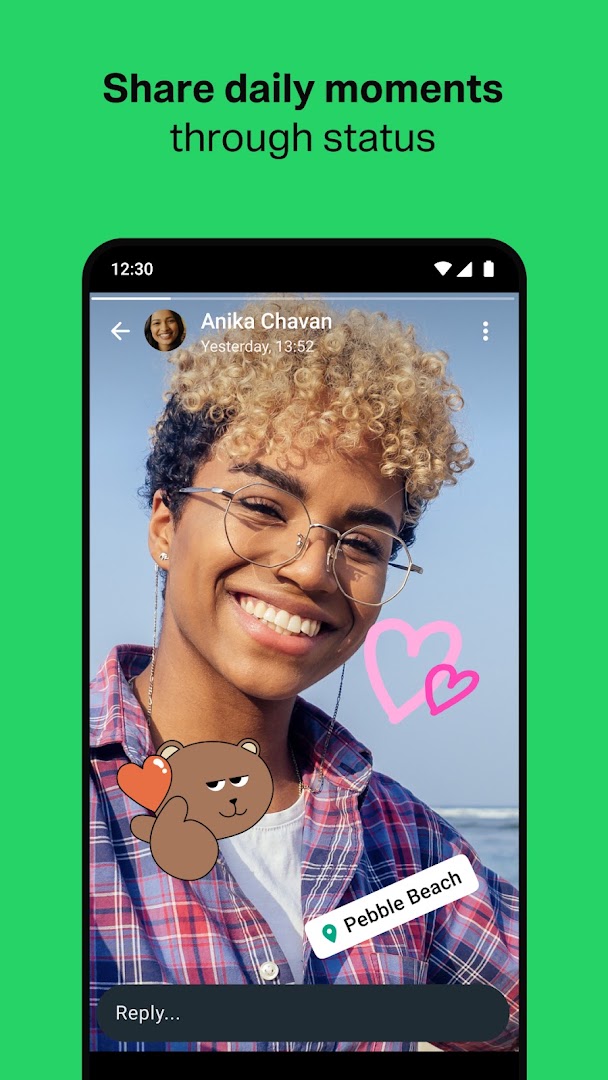
Linked Devices lets the same account run on WhatsApp Web, the Windows and Mac desktop apps and up to four companion devices at once, and the phone no longer needs to stay online for them to work. Chat history can be backed up to Google Drive, optionally with end-to-end encryption of the backup itself, and transferred to a new phone with a QR code. Status updates share photos, videos and text that disappear after 24 hours, in the same way as stories on Instagram.
Who it is for
WhatsApp suits anyone whose friends, family or customers are already on it, which in most countries outside the United States and China is nearly everyone. It is lighter on data than video-first social apps, works well on modest phones and slow connections, and has no adverts in chats. People who need larger groups, public channels or multi-device cloud history may prefer Telegram, and many people run both.
About this build
This is WhatsApp Messenger version 2.26.38.73, about 89 MB, and it needs Android 6.0 or later. It is the stock release that matches the Google Play listing linked below; nothing has been altered. A phone number that can receive an SMS or voice call is required to activate the account, and the free tier has no feature limits or subscription.
How to install WhatsApp Messenger
- Download the WhatsApp Messenger APK (about 89 MB) to your phone.
- If Android asks, allow installs from this source in Settings.
- Open the file, tap Install, then open WhatsApp.
- Enter your phone number and type the code sent by SMS or voice call.
- Restore a Google Drive backup if you have one, or start fresh.
Version history
v2.26.38.73Latest
Oct 3, 2026 · 89.4 MB
Comments
Loading comments…