
- 100-player battle royale on four classic maps
- Team Deathmatch, Arena, Payload and seasonal modes
- Squad play with built-in voice chat
- Graphics from low to ultra HD, with high frame-rate options
- Fully customisable touch controls
- Seasonal Royale Pass and events
- Free to play, online only


Key features
Screenshots


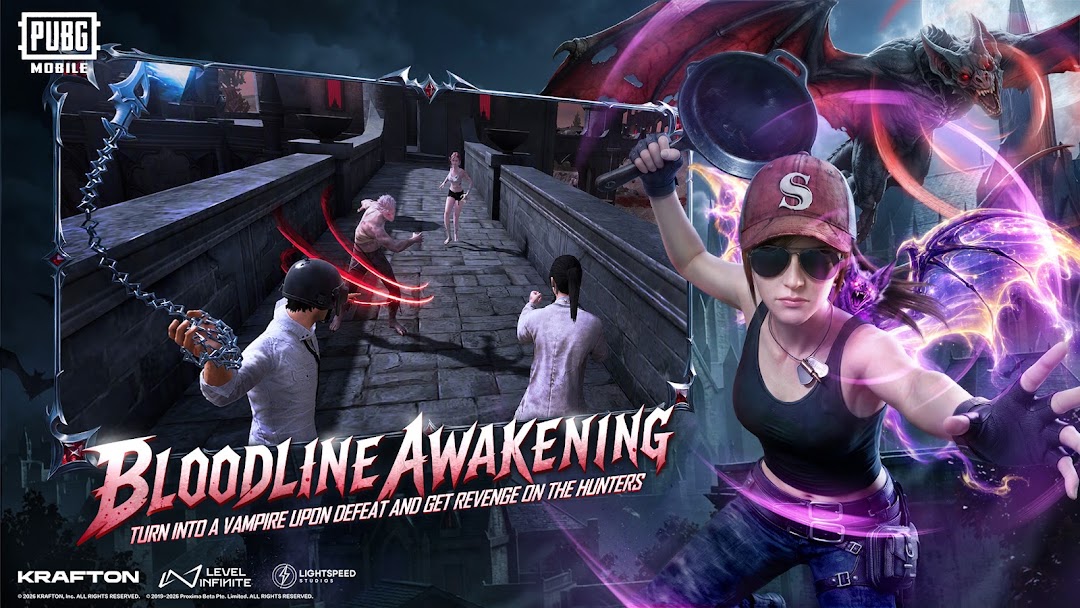

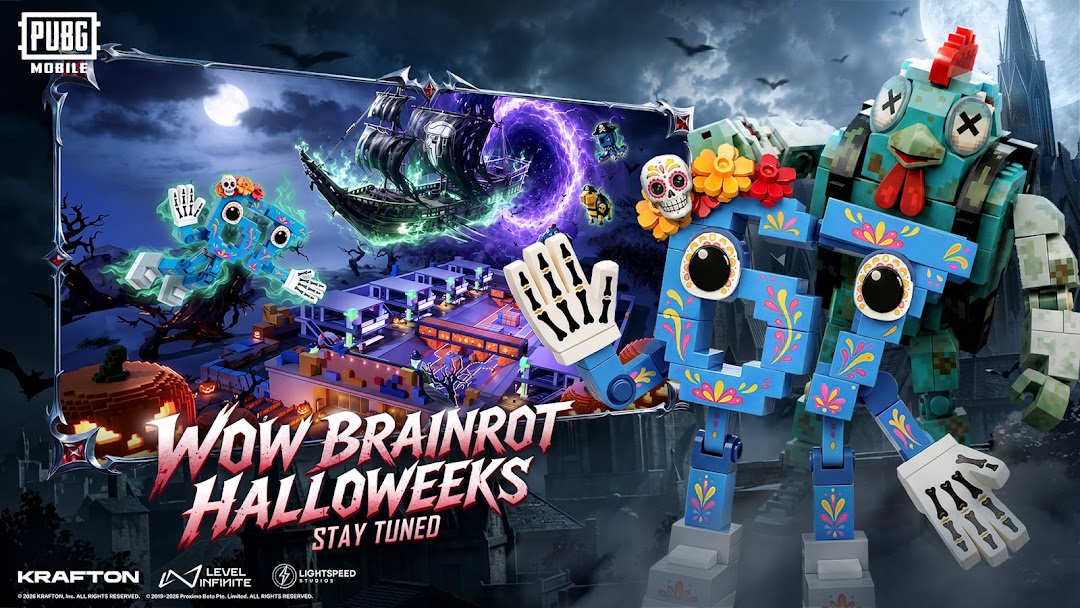
About PUBG MOBILE
PUBG MOBILE is the mobile version of the battle royale that defined the genre. Up to 100 players parachute onto a map, loot weapons and gear from buildings, and fight inside a shrinking play zone until one player or squad is left standing. Erangel, Miramar, Sanhok and Livik each play differently, and new themed modes arrive every season.
Beyond classic matches there are Team Deathmatch, Arena, Payload and training modes for shorter sessions. Squads of up to four use built-in voice chat, and the graphics settings scale from low for older phones up to ultra HD at high frame rates on flagships. Controller-free touch controls can be fully customised.
The game is online only and free to play, with optional purchases for outfits and the Royale Pass. This build is about 1.2 GB and downloads more maps and resources on first launch, so keep several gigabytes free. It needs Android 5.0 or later and about 2 GB of RAM.
How to install PUBG MOBILE
- Download the PUBG MOBILE APK (about 1.2 GB) over Wi-Fi.
- Allow installs from this source if asked.
- Open the file and tap Install.
- Launch the game and let it download the remaining maps and resources before your first match.
Version history
v4.6.0Latest
Oct 3, 2026 · 1.2 GB
Comments
Loading comments…
Similar
More from Action

Fortnite
Epic Games, Inc
0.00.0 out of 5 starsEpic's 100-player battle royale with building, Zero Build, LEGO Fortnite and creator-made modes, now back on Android.
Action0

Free Fire
Garena International I
0.00.0 out of 5 stars10-minute battle royale for 50 players, built to run on lower-end phones.
Action0