
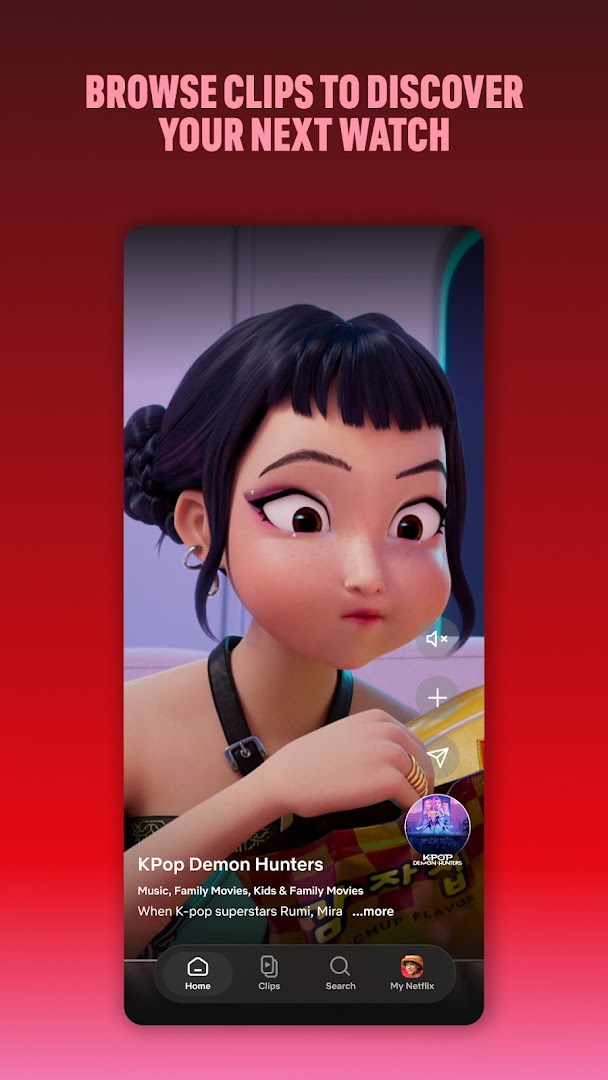
- Stream films, series and documentaries
- Download titles for offline viewing on supported plans
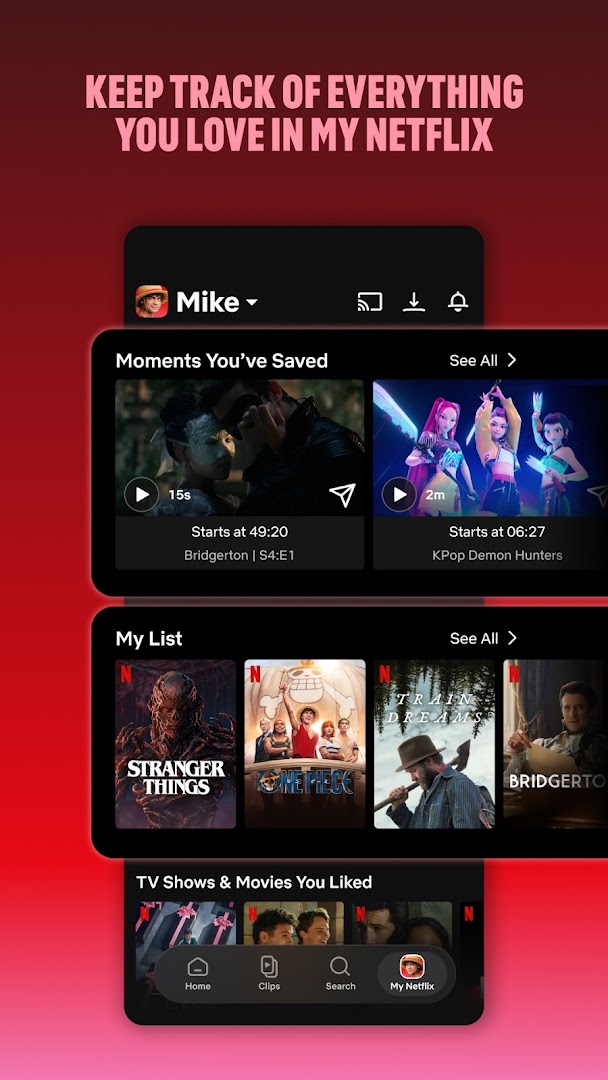
- Profiles and a Kids profile for each household member
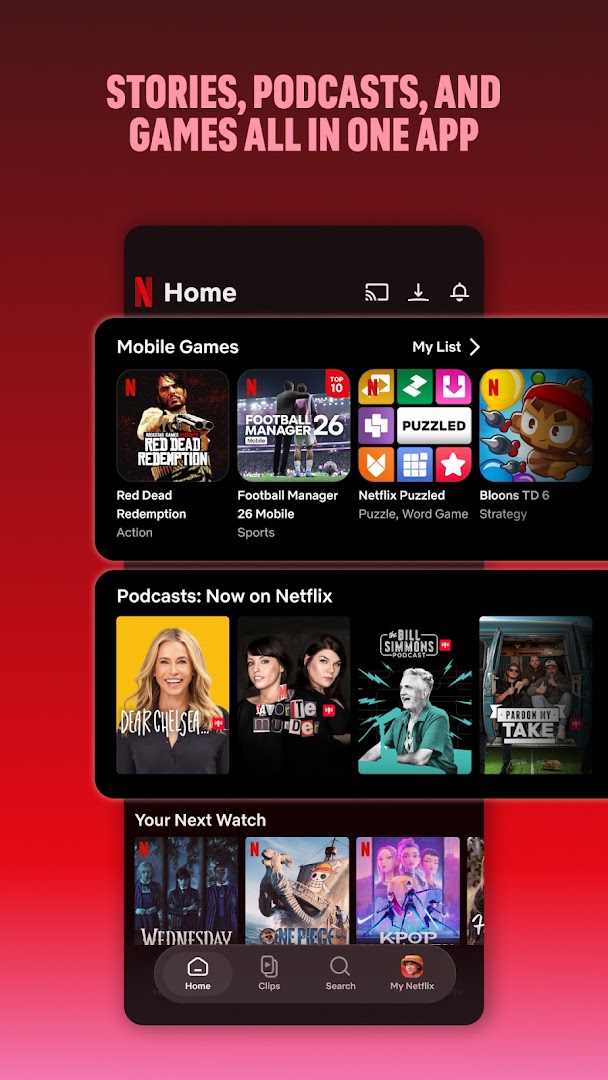
- Netflix Games included with a subscription
- Subtitles, multiple audio tracks and playback speed
- Cast to a TV
- Subscription required

Key features
Screenshots
About Netflix
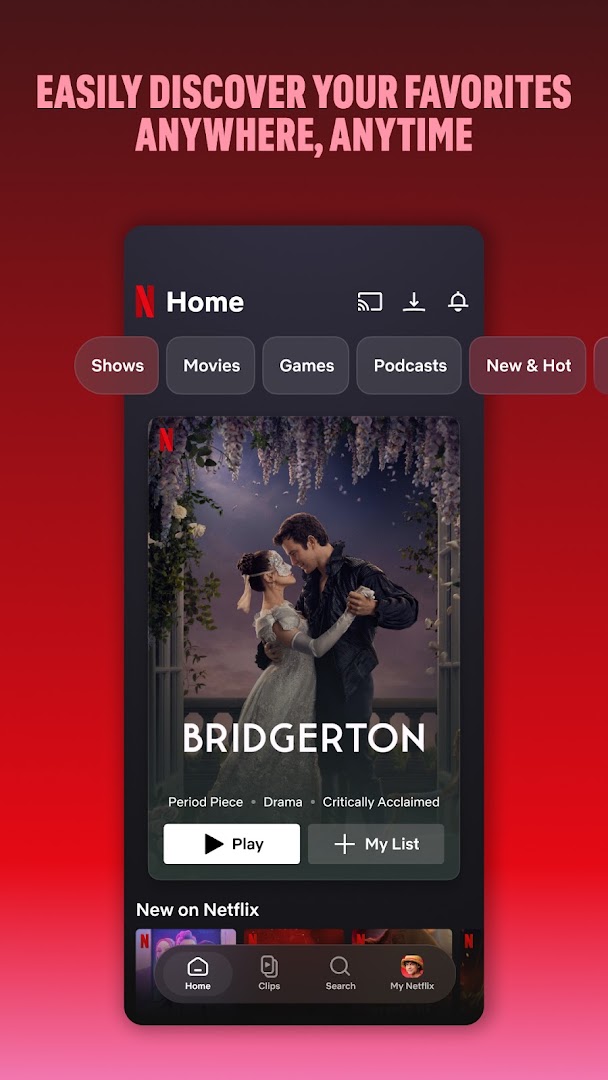
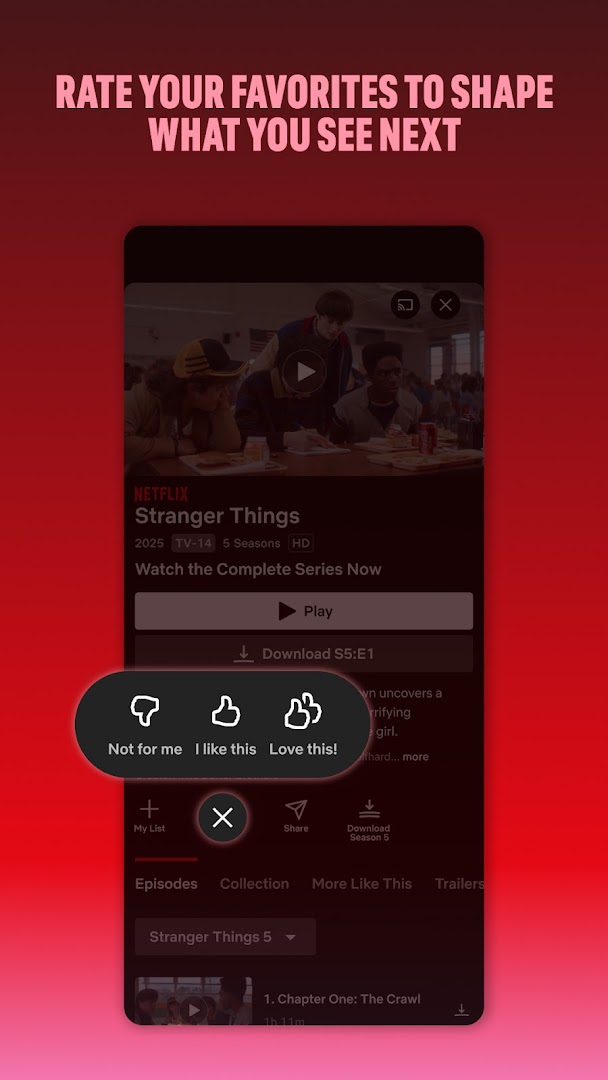
Netflix is the streaming app for Netflix's catalogue of films, series, documentaries and stand-up, plus a growing library of mobile games included with a subscription. Each household member gets a profile with its own recommendations and watch list, and a Kids profile limits what younger viewers can see.
Downloads are the feature that matters on a phone. On plans that support it, films and episodes can be saved for flights and commutes and play back without a connection. Smart Downloads removes watched episodes and fetches the next one automatically. Playback supports subtitles, audio tracks, playback speed and casting to a TV.
The app is free to install, but a Netflix subscription is needed to watch; plans and prices vary by country. This build needs Android 9.0 or later and is about 60 MB.
How to install Netflix
- Download the Netflix APK (about 60 MB).
- Allow installs from this source if Android asks.
- Open the file and tap Install.
- Sign in with your Netflix account and pick a profile.
Version history
v9.85.0Latest
Oct 3, 2026 · 59.7 MB
Comments
Loading comments…